
iPhone User Alert: Update to iOS 26.2 or you'll face increased problems. See what's changed
If you want better security patches on your iPhone, it's worth installing iOS 26. MacRumors reports that Apple will still provide security updates for iOS 18 for a few months, but this support may end in the future.
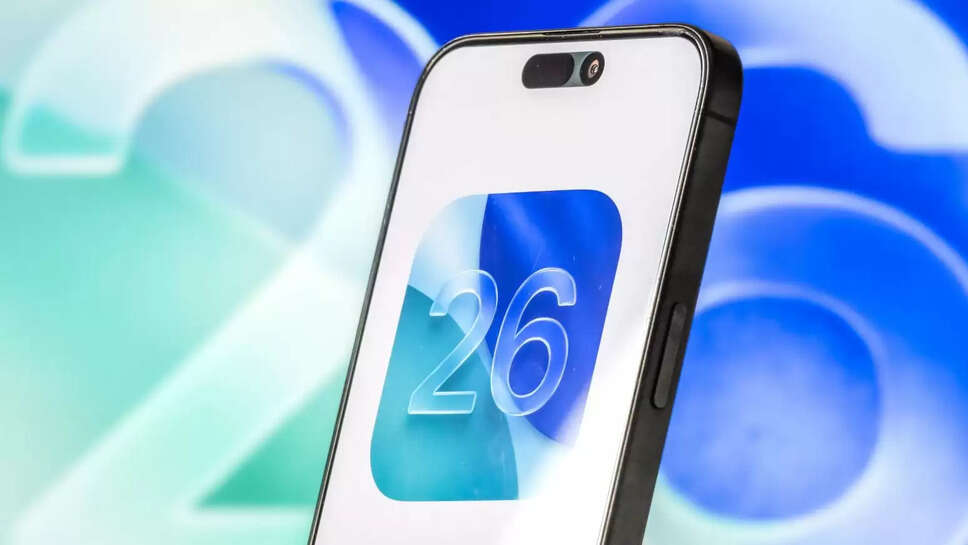
Apple has rolled out its next major iPhone software update, iOS 26.2. The company has now recommended upgrading to iOS 26 from the older iOS 18. Earlier, iOS 26 was kept as an “optional upgrade”, but now it has been made a “recommended update”.
This means that Apple wants most of the users to come to the new system as soon as possible. If you want better security patches in your iPhone, then it will be beneficial to install iOS 26.
According to MacRumors report, Apple will provide security updates to iOS 18 for a few months, but this support may also stop in future.
Which iPhones support iOS 26?
Apple has clarified that almost all models from the iPhone 11 to the iPhone 17 series support this update. This includes
the iPhone 17, iPhone 17 Pro, iPhone 17 Pro Max, iPhone Air, iPhone 16 series, iPhone 15 series, iPhone 14 series, iPhone 13 series, iPhone 12 series, iPhone 11, iPhone 11 Pro models, and iPhone SE (2nd Gen and later).
This clearly indicates that iPhones from previous years are also receiving this major update, ensuring extended software support for users.
When does iOS 26.2 arrive and how long will it take to install?
Apple has officially released iOS 26.2. According to several Apple blogs, downloading and installing this update can take anywhere from 30 minutes to 2 hours. This time depends on your internet speed, iPhone model, Apple's server load, and the size of the update.
How to install iOS 26.2?
- It's important to back up your iPhone before updating so your data is safe in case of any issues.
- After backing up, plug the iPhone into a charger and connect it to Wi-Fi.
- Then follow these steps: Settings > General > Software Update
- If more than one update is shown, select the one you want.
- Tap Install Now. If only Download and Install is shown, download it first, enter the passcode, and then tap Install Now.
What are the new features of iOS 26?
iOS 26 launched in September and was designed to give iPhones a fresh visual look. It features a Liquid Glass interface that changes colors and textures based on the content displayed on the screen.
Apple Intelligence also received several improvements, such as improved Live Translation and Visual Intelligence, which now makes screenshot capture and search smarter.
New Call Screening Technology of iOS 26
A new Call Screening feature has been given in iOS 26, which helps a lot in stopping spam calls and unwanted calls. This feature automatically receives the call and takes information from the caller and then decides whether to show the call to you or not.
Along with this, a new Hold Assist feature comes, which keeps your number on call hold on any service and notifies you when it is about to be answered.
Major changes have also been made in CarPlay, such as support for Live Activities, in which you can see real time information like food delivery time, live match score etc.
iOS 26 vs iOS 26.2 – What's changed?
The new iOS 26.2 is a polished, more stable, and better-performing update to the previous iOS 26 version. It brings improvements to the design, file sharing, reminders, health/sleep features, Podcasts, and News apps, along with battery, stability, and bug fixes, making iPhones smoother and faster.